


AutoCAD ® is a design program used in various professions, including engineering, architecture, planning, inter-design, and drafting.
Engineers and manufacturers utilize the program for product and service design and development in many industries, including aerospace, car, transportation, electrical, telecommunications, and utilities.
Usually, Canadians who want to learn AutoCAD work in civil engineering, mechanical engineering, drafting, product design, manufacturing, architecture, or construction. In 2026, proficiency in AutoCAD (and related Autodesk tools) continues to be a valuable and in-demand skill across Canada’s construction, manufacturing, and infrastructure sectors.
We have gathered the best online AutoCAD courses for Canadians and listed them below to guide you in choosing one.
| Course Name | Students Enrolled | Reviews |
|---|---|---|
| Coursera – Autodesk Certified Professional: AutoCAD for Design and Drafting Exam Prep | 70,000+ | 10,000+ |
| Udemy – AutoCAD Complete Course For Canadians | 20,000+ | 5,000+ |
| George Brown College Continuing Education – AutoCAD Fundamentals Program | 12,000+ | 5,000+ |
| Sault College – Free Online AutoCAD Course For Beginners | 8,000+ | 3,400+ |
| Seneca College Part-Time Studies – AutoCAD Course | 11,000+ | 9,000+ |
| SAIT (Southern Alberta Institute of Technology) AutoCAD Certificate of Completion | 5,500+ | 3,800+ |
| Centennial College – AutoCAD Certificate Program | 2,800+ | 1,000+ |
| Northern Alberta Institute of Technology (NAIT) – AutoCAD Operator | 2,500+ | 800+ |
| Mohawk College Continuing Education – AutoCAD Design Certificate | 2,000+ | 500+ |
| Dalhousie University – Certificate in AutoCAD | 1,300+ | 300+ |
| Fanshawe College – AutoCAD for Design (Micro-credential) | 2,600+ | 850+ |
Coursera – Autodesk Certified Professional: AutoCAD for Design and Drafting Exam Prep
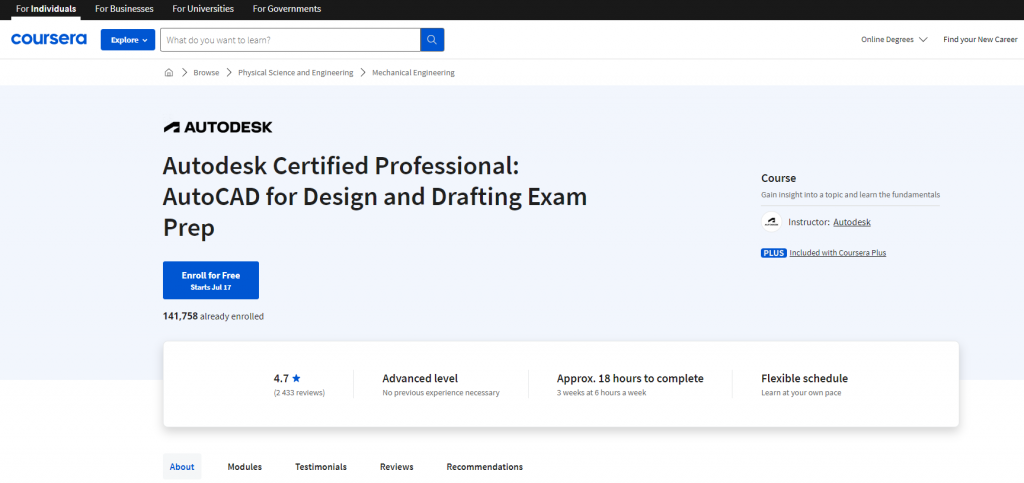
This course is designed to help Canadians prepare for the AutoCAD for Design and Drafting exam. It covers a comprehensive range of topics that align with the exam’s objective domains.
The lessons delve into creating and managing layouts, outputs, and printings. You will learn annotation techniques such as markup tools, hatch and fill multileader, and dimensioning. The topics below are also covered in the course:
- Drawing management techniques
- Efficient usage of blocks
- Control of external reference
- Underlay files
Additionally, the video tutorials were created to follow the regular workflow and features of the AutoCAD software. Using the User Coordinate System, you will learn how to draw and organize objects, utilize advanced editing functions, and ensure accurate drawings.
Completing this course will give you the necessary skills and knowledge to take the AutoCAD for Design and Drafting exam confidently. This certification is widely regarded as a standard for evaluating your AutoCAD skills and knowledge. Access the course materials here.
Udemy – AutoCAD Complete Course For Canadians
This immersive and comprehensive program is designed to help Canadians master AutoCAD, the industry-leading CAD software.
Through meticulously crafted lessons, you will quickly grasp the fundamentals of AutoCAD and build a strong foundation. With step-by-step guidance, hands-on exercises, and real-world example, you will acquire the confidence and skills to tackle various design challenges easily and with finesse.
You will gain the necessary skills to navigate and utilize AutoCAD confidently. Some of the learnings you will gain in this course are:
- Gain proficiency in using AutoCAD to create building layouts from scratch
-
Navigate AutoCAD 2025/2026 with ease and expertise.
- Effectively communicate your own building designs and alterations for professional or personal purposes.
- Learn essential skills of AutoCAD, including creating shapes, working with text, making modifications, managing layers, and adding dimensions.
- Master advanced tools and techniques in AutoCAD, such as working with XRefs and layout tools
- Export your projects for printing or saving as PDF files.
- Transform your ideas into reality with the power of AutoCAD.
- Create customized floor plans to suit your specific needs.
- Develop the ability to draw existing floor plans based on measured surveys accurately.
- Utilize AutoCAD to recreate hand-drawn designs with precision digitally.
This course is suitable for a wide range of individuals. If you want to start using AutoCAD in your career and get paid for your skills, this course is ideal. It’s also valuable for those who have used AutoCAD before and want to refresh their knowledge.
Additionally, if you’re transitioning to AutoCAD from another drafting software, this course will help you adapt seamlessly.
After taking this course, you’ll be equipped to create professional-quality drawings and designs, opening doors to exciting career opportunities. Discover the course at this link.
George Brown College Continuing Education – AutoCAD Fundamentals Program
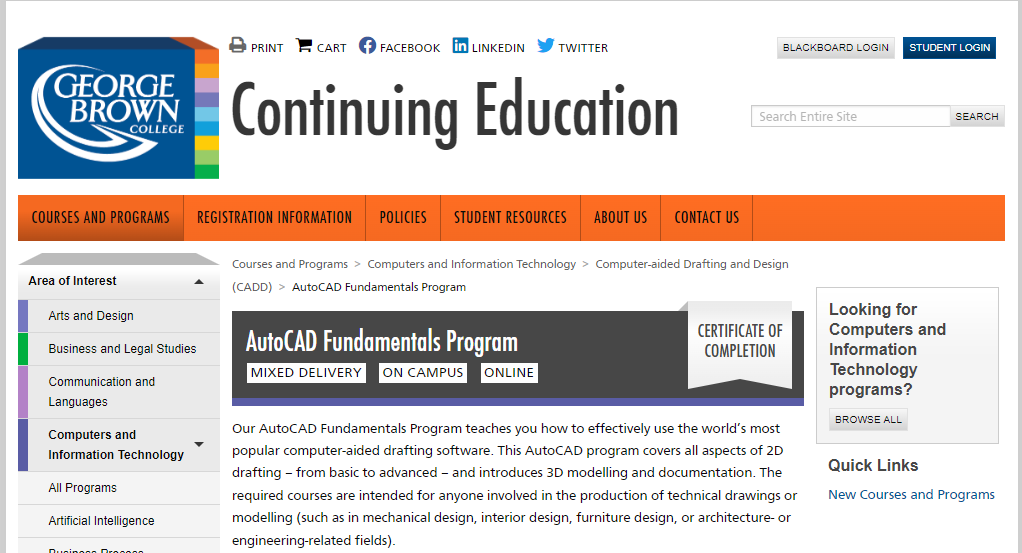
This AutoCAD Fundamentals Program will teach you how to utilize the world’s most popular computer-aided drafting software.
The program teaches all areas of 2D drafting, from beginner to intermediate, as well as 3D modeling and documentation.
The required courses for this program are intended for anyone interested in creating technical drawings or modeling (for example, mechanical design, interior design, furniture design, or subjects related to architecture or engineering). Discover the course at this link.
Sault College – Free Online AutoCAD Course For Beginners
If you want to learn AutoCAD for free, this free online course is perfect for Canadians. This online course will teach the basic commands of AutoCAD, but of course, the goal is to upsell their full course which is pricey.
The AutoCAD course will take you 90 days to finish. You will receive a completion certificate once you have completed the course.
The online training course is designed for newbies in AutoCAD. This course has no prerequisites and is open to anyone interested in learning about AutoCAD—for example, high school students interested in pursuing engineering careers.
Learners who subscribe to this course will get access to a Free AutoCAD Online Training Course Book, which covers everything needed for offline practice. Check out the course here.
Seneca College Part-Time Studies – AutoCAD Course
This online program aims to teach Canadians the fundamentals of AutoCAD. The courses are offered in different formats: Online, Flexible, In-person, and Hybrid. Depending on the availability, you have the option to choose what type of learning format you prefer.
Seneca students will be given free access to AutoCAD on their personal devices for a year. Your instructor will provide instructions for installing the software.
Students receive a letter grade after completing each course, as noted on their transcript. Explore the course by clicking here.
SAIT(Southern Alberta Institute of Technology) AutoCAD Certificate of Completion
AutoCAD skills offer the foundation for employment in vast, expanding industries, including architecture, construction, engineering, and interior design. SAIT’s AutoCAD Certificate of Completion teaches computer-aided design and drawing (CADD) with the AutoCAD software.
In this course, you will receive hands-on expertise in technical drawing and modeling in two-dimensional (2D) and three-dimensional (3D) project environments, allowing you to create and present impactful designs.
SAIT issues a Certificate of Completion to students who complete this program.
These courses have been authorized for Gold Seal Certification education and training credits.
Individuals with AutoCAD training and industry experience can take Autodesk examinations to become an Autodesk Certified User (ACU) or an Autodesk Certified Professional (ACP). Access the course materials here.
Centennial College – AutoCAD Certificate Program

This certificate program from Centennial College gives advanced practical knowledge of AutoCAD. This program is beneficial for developing computer-aided design, drafting, and modeling for architects, designers, and illustrators.
In this course, you will discover AutoCAD commands and menu systems. Aside from that, you will also learn manipulation and management tools for assembling and integrating drawings within project document sets while working on simulated projects with industry specialists. This program is mainly lab-based, allowing hands-on experience utilizing your personal device. Find the course details right here.
Northern Alberta Institute of Technology (NAIT) – AutoCAD Operator
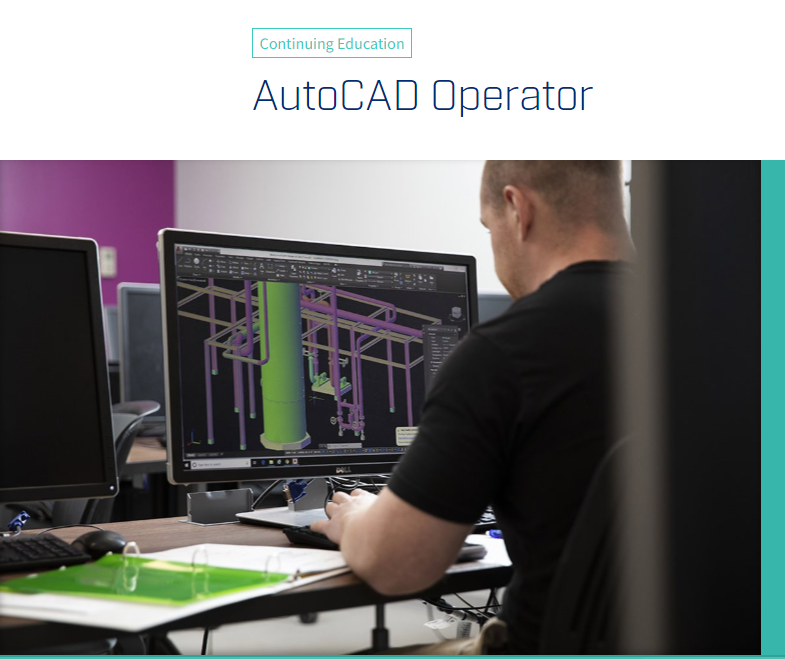
With NAIT’s online AutoCAD course, you’ll be able to learn using AutoCAD drawing and design. You will learn AutoCAD’s fundamentals, an industry-standard 2D and 3D design and drafting software, to coordinate systems and software to develop technical blueprints.
In just four weeks, you can complete your AutoCAD Operator Certificate Program.
NAIT students can download an educational copy of the AutoCAD software to complete the course successfully. Students are responsible for installing and testing their software 24 hours before the start of their class. Get started with the course by following this link.
Mohawk College Continuing Education – AutoCAD Design Certificate
Mohawk College’s AutoCAD Design Certificate Course will teach you the following:
- Using the most recent AutoCAD program,
- create two-dimensional drawings and three-dimensional models
- Make your own CAD environments.
This curriculum is typically completed in one to two years by Continuing Education students. The typical workload per course per week is five to ten hours.
If you have no prior computer experience or understanding of Windows, you should take Generic Computer Training before enrolling in this program’s courses. Discover the course at this link.
Dalhousie University – Certificate in AutoCAD
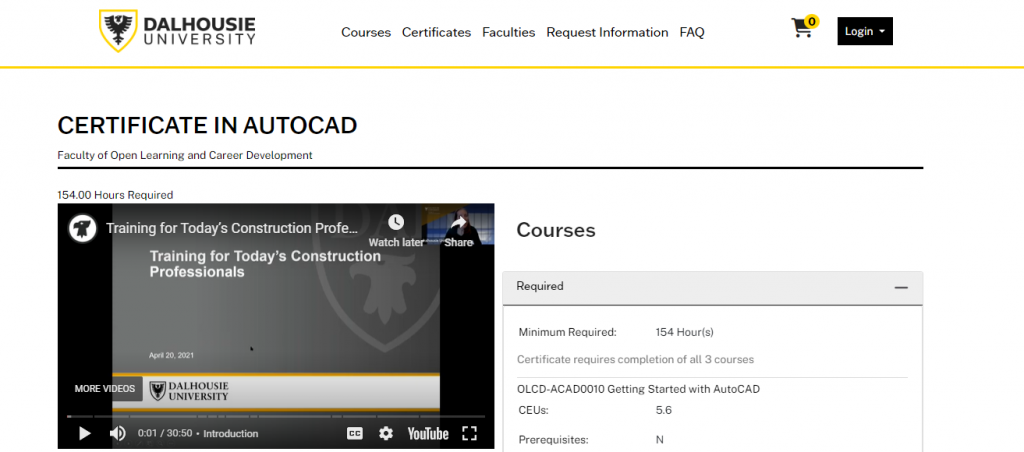
This AutoCAD Certificate program from Dalhousie University is divided into three courses. The courses cover a variety of instructions and techniques with systematic examples.
Participants will learn how to use AutoCAD, allowing them to use the software’s drawing and editing tools more efficiently in the workplace.
This certificate program can help you in the following ways:
- Learn about computer-aided design.
- Learn AutoCAD by following step-by-step instructions and experimenting with various commands and techniques.
- Refresh your knowledge of engineering drawing fundamentals.
- comprehend what AutoCAD has to offer
- Discover new AutoCAD software upgrades.
After completing all three courses, including quizzes, assignments, and tests, the certificate is awarded. The program equates to about 154 hours of training, which includes online classes, home study, projects, and exam preparation. Dive into the course by heading over here.
Fanshawe College – AutoCAD for Design (Micro-credential)
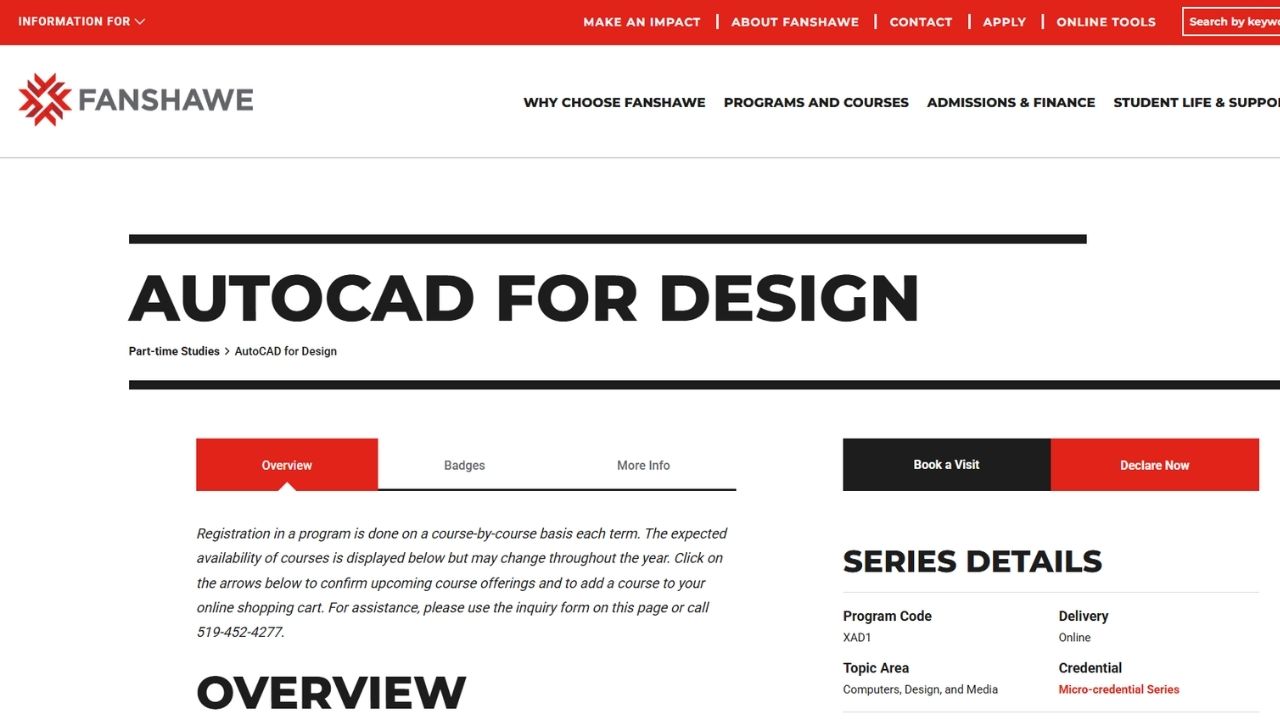
Fanshawe College offers the AutoCAD for Design micro-credential series through Continuing Education. This program is designed for working professionals and beginners with little or no prior experience. It focuses on practical skills in using the AutoCAD interface, creating drawings, and applying industry-standard techniques. The micro-credential format allows learners to gain targeted, job-ready skills in a flexible part-time format.
Additional Helpful Information for Canadians in 2026
2026 AutoCAD / CAD Salary Snapshot (Job Bank Canada + Industry Data)
| Province | Junior CAD Technician / Drafter | Intermediate CAD Designer | Senior CAD Technologist / BIM Coordinator | Notes |
|---|---|---|---|---|
| Ontario | $48,000 – $62,000 | $68,000 – $85,000 | $90,000 – $115,000+ | Highest demand in GTA and construction |
| British Columbia | $50,000 – $65,000 | $70,000 – $90,000 | $95,000 – $120,000+ | Strong infrastructure and residential projects |
| Alberta | $52,000 – $68,000 | $72,000 – $92,000 | $95,000 – $125,000 | Good opportunities in energy and industrial sectors |
| Québec | $46,000 – $60,000 | $65,000 – $82,000 | $85,000 – $110,000 | Strong manufacturing and civil projects |
| Atlantic Canada | $44,000 – $58,000 | $60,000 – $78,000 | $80,000 – $100,000 | Smaller market but steady demand |
National Average: $55,000 – $75,000 for intermediate roles. Premium Skills (2026): Professionals who know AutoCAD + Revit / Civil 3D / BIM often earn 15–25% more.
Fastest Career Paths with AutoCAD Skills in 2026
| Goal | Recommended Route | Time | Best Courses to Start With | Outcome |
|---|---|---|---|---|
| Quick entry into drafting | Short certificate + portfolio | 3–8 months | Udemy or Sault College (Free) | Junior Drafter / CAD Technician |
| Strong foundation + job mobility | College certificate program | 6–12 months | George Brown, Seneca, Centennial | CAD Designer / Technologist |
| Professional certification | Coursera Exam Prep + Autodesk Certification | 2–4 months | Coursera Autodesk Certified Professional | Autodesk Certified Professional (ACP) |
| Career advancement (BIM / Senior roles) | AutoCAD + Revit / Civil 3D training | 6–12 months | College programs + self-study | BIM Coordinator / Senior Technologist |
Must-Know Certifications in 2026
- Autodesk Certified Professional (ACP) – Most recognized professional-level certification (recommended).
- Autodesk Certified User (ACU) – Good entry-level certification.
- Autodesk Certified BIM Professional – Valuable if you want to move into Revit/BIM roles.
- Gold Seal Certification (Construction) – Helpful for those working in the construction industry.
High-Demand Complementary Skills in 2026
Employers are increasingly looking for candidates who know more than just basic AutoCAD. Consider adding these skills:
- Revit (for Building Information Modeling)
- Civil 3D (for civil engineering and infrastructure projects)
- BIM 360 / Autodesk Construction Cloud
- Bluebeam Revu (for PDF markup and collaboration)
- Basic Python or Dynamo (for automation in drafting)
Quick 2026 Decision Guide
- Just want to test the waters → Start with the free Sault College course or Udemy’s AutoCAD Complete Course.
- Want a recognized credential quickly → Take Coursera’s Autodesk Certified Professional Exam Prep course.
- Want the best job prospects in Canada → Enroll in a college certificate program (George Brown, Seneca, Centennial, or SAIT).
- Already working and want to upskill → Choose flexible part-time options from Seneca, George Brown, or Mohawk College.
Funding Options You Can Use in 2026
- Canada Training Credit — Up to $250 per year tax credit.
- Employer Training Grants — Many companies will reimburse part or all of your course fees.
- Second Career (Ontario) — Can fully fund eligible career changers.
- Provincial grants — Check your province’s workforce development or skills training programs.
Conclusion
The listed programs above will benefit your career in Canada, mainly if you work in engineering, architecture, and other related fields.
Our best recommendation is Coursera’s Autodesk Certified Professional: AutoCAD for Design and Drafting Exam Prep because it is directly aligned with Autodesk’s official certification standards and offers strong professional recognition.
We also highly recommend Udemy’s AutoCAD Complete Course For Canadians if you are looking for an affordable, practical, and beginner-friendly option with hands-on exercises.
You can also start learning with free courses or enroll in paid college programs to jumpstart your career using your knowledge in AutoCAD.