

Web design has become a highly sought-after ability in the current digital era. The need for skilled web designers is constantly increasing as more companies and people realize the value of having a compelling online presence. This article aims to introduce Canadians to various online web design courses tailored to their needs.
In 2026, demand for web designers who understand responsive design, modern UX principles, and tools like Figma and Adobe XD remains very strong across Canada, especially as businesses continue investing in mobile-first websites and digital experiences.
These courses listed below offer thorough instruction and practical learning experiences, whether you’re a beginner hoping to master the fundamentals or an experienced designer wishing to broaden your skill set.
These following courses below are designed to equip you with the essential skills to bring your ideas to life, regardless of whether you aspire to become a professional web designer or simply desire to build a website for personal or business purposes.
| Course Name | Students Enrolled | Reviews |
|---|---|---|
| Coursera – Google UX Design Professional Certificate | 800,000+ | 100,000+ |
| Build Dynamic User Interfaces for Websites — Google on Coursera | 25,000+ | 6,200+ |
| Udemy – Complete Web Design: from Figma to Webflow to Freelancing | 60,000+ | 20,000+ |
| IAP Career College – Web Designer Certificate Course Online | 18,000+ | 15,000+ |
| Berkeley Extension – Web Design With HTML5 and CSS3 (Design x455) | 28,000+ | 11,500+ |
| Udemy – Web Design for Beginners: Real World Coding in HTML & CSS | 80,000+ | 24,000+ |
| Noble Desktop – Web Design Certificate | 12,000+ | 5,800+ |
| George Brown College – Web Design and Development Program | 4,500+ | 1,800+ |
Coursera – Google UX Design Professional Certificate
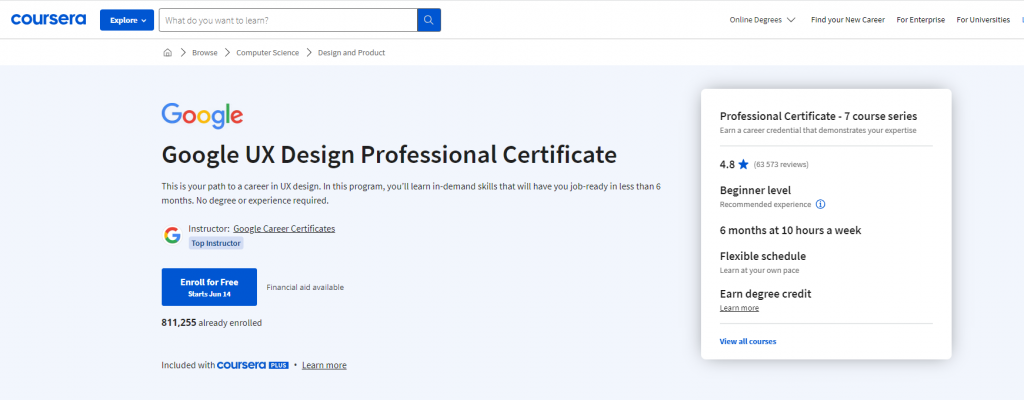
Start up your career in UX design through this Coursera Professional Certificate program. By enrolling, you will acquire sought-after skills that will prepare you for a career in less than six months. No prior education or professional background is required to participate.
Train to become a UX designer and learn the following:
- Google’s training services,
- Become an expert in projects that are suitable for your portfolio,
- Acquire a Google certificate that employers recognize,
- Meet the requirements for the following in-demand positions: User Experience (UX) Designer, UI Designer, and Interaction Designer.
Numerous practice-based tasks and exams, along with more than 200 hours of instruction, are all part of this curriculum. These elements are crucial for success in the industry and mirror real-world UX design scenarios. A team of Google employees with years of UX design experience created highly interactive content. Access the course materials here.
Build Dynamic User Interfaces for Websites — Google on Coursera
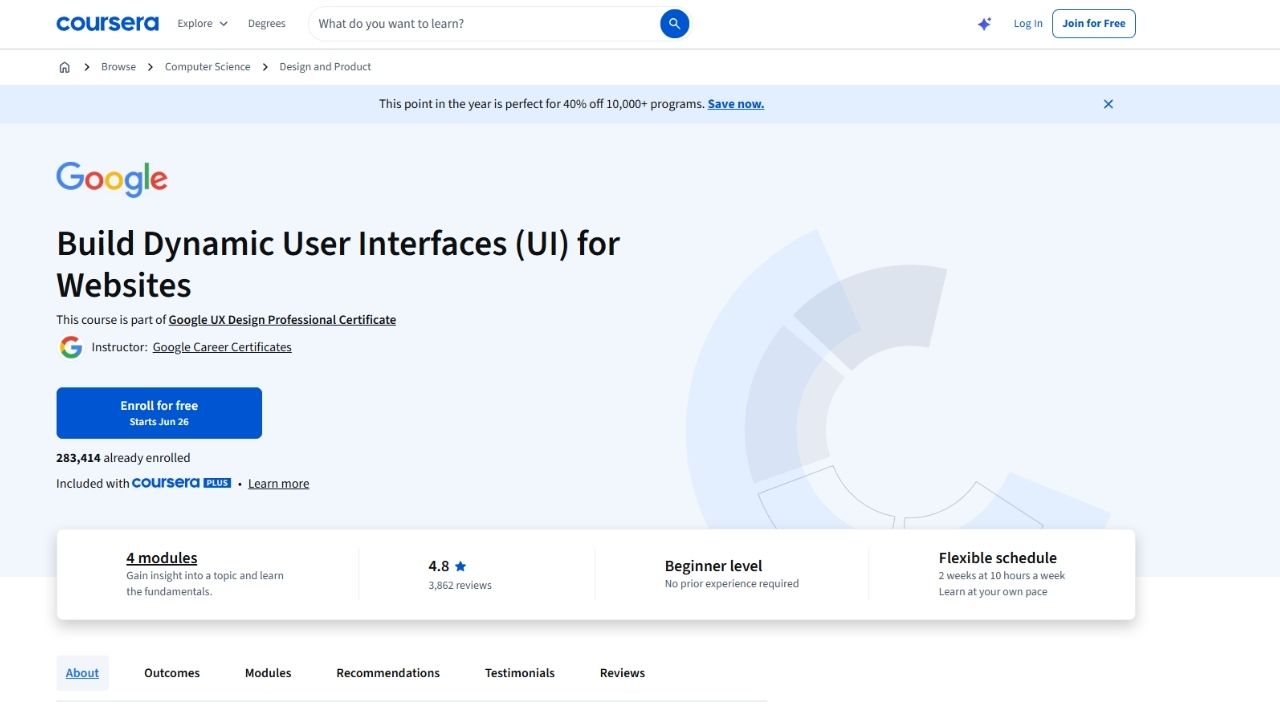
Build Dynamic User Interfaces for Websites is a beginner-friendly Coursera course created by Google.
The course forms part of the Google UX Design Professional Certificate, but it can also be taken individually. It focuses specifically on planning and designing responsive websites rather than covering the entire UX career pathway.
Students learn how to:
- Apply the UX design process to a website
- Research user needs
- Plan a website’s information architecture
- Create sitemaps
- Choose suitable page layouts
- Design for different screen sizes
- Build wireframes and mockups
- Create an interactive website prototype
- Conduct usability testing
- Improve a design after receiving feedback
- Prepare a website project for a professional portfolio
The course introduces the design-thinking process of empathizing with users, defining their needs, generating ideas, creating prototypes, and testing the final result.
Students use Figma to create responsive designs and interactive prototypes. No previous design experience is required.
Coursera currently lists more than 282,000 enrolled learners and a rating of 4.8 out of 5 from over 3,800 reviews. The course contains four modules and takes approximately two weeks when studying for 10 hours per week.
It is self-paced and includes a shareable Google certificate for students who complete the paid version.
Udemy – Complete Web Design: from Figma to Webflow to Freelancing
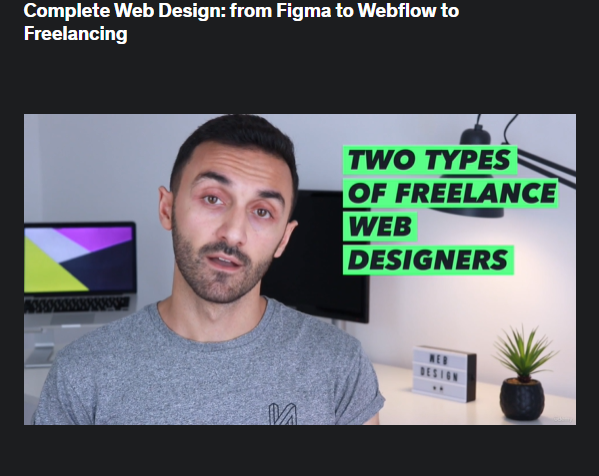
This Udemy course is ideal for people who wish to begin their professional web design careers. It is also recommendable for individuals who want to attempt to start a career in freelance web design.
Here’s what you’ll learn from taking this course:
- Layout, typography, visual hierarchy, design techniques, and other elements of graphic design
- How to utilize Webflow (a powerful site builder used by teams at Adobe, Dell, NASA, and more to take the designs and turn them into websites),
- How to use Figma (an interface design tool used by designers like Uber, Airbnb, and Microsoft to create attractive websites), and
- The trade secrets and methods of freelance web designers
People frequently believe that web design is complex and that it requires some aptitude for creativity or computer skills. Yes, a lot of people make it sound highly challenging.
This course doesn’t have many complications. It will take the shortest and simplest route to your destination. Explore the course by clicking here.
IAP Career College – Web Designer Certificate Course Online
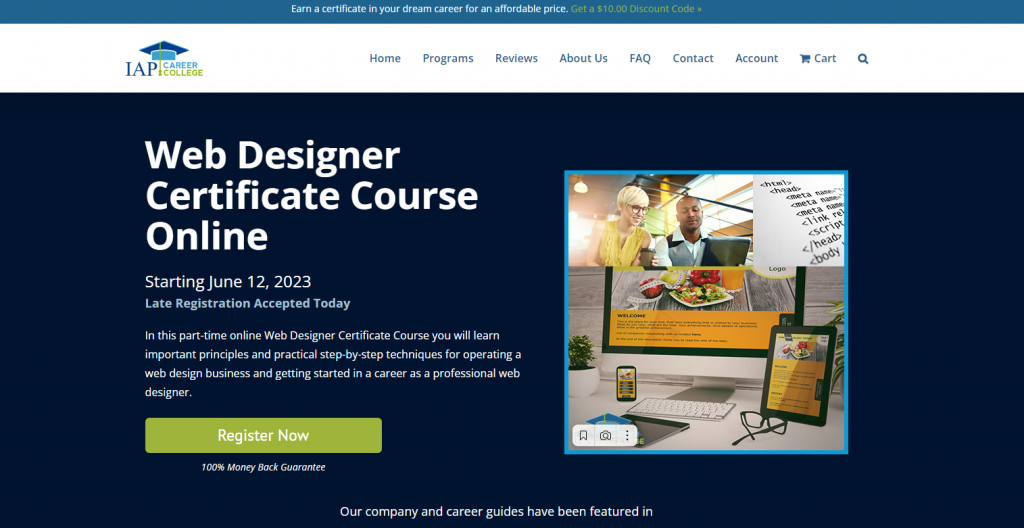
In this course, you’ll discover what it takes to become a successful web designer. This IAC Career College program will teach you how to build a web design company and market and sell your web design services.
You can complete the Web Designer Certificate Course Online on your own, without the aid of a teacher. However, during the course’s six weeks, a faculty member is available to aid you if you have any questions or require assistance.
The following topics are covered in the Web Designer Certificate Course:
- Familiarization with what a web designer does
- Getting ready by Learning from Other Web Design Professionals
- Get started with your own business
- Getting clients, how to choose your target markets, marketing tools, and techniques
This Web Designer Certificate Course has been meticulously designed to meet rigorous academic standards, ensuring that upon graduation, you will possess the proficiency to proudly display the Web Designer Certificate awarded by the International Association of Professions Career College.
Find the course details right here.
Berkeley ExtensionWeb Design With HTML5 and CSS3 (Design x455)
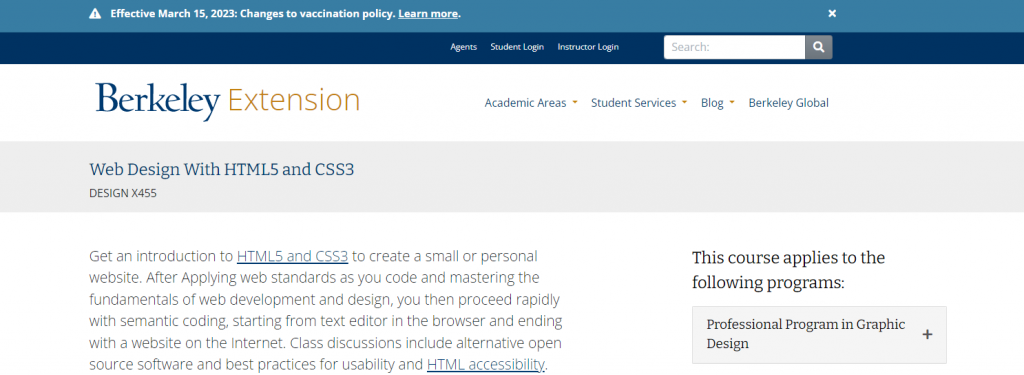
Anyone interested in creating their own website should take this course. With a focus on outside-of-the-classroom research, the course will be very hands-on and fast-paced. Although the subjects and methods will be extensive, they will be presented in more manageable chunks so that students can feel confident and prepared for success.
The objective is to have a project with a limited scope that leaves room for future learning opportunities. There is no prerequisite training or knowledge needed. On their online student platform, their skilled educator tracks progress while also providing peer-to-peer support and practical information on web design abilities.
All of the design courses are delivered online through Canvas, their student online learning management system, and feature video lectures, mentor-led learning, and peer-to-peer support.
You can expect to acquire knowledge about the following if you take this course:
- Recognize the structure of the Document Object Model
- Embedding CSS files
- Profound coding
- Determine the accessibility of HTML
- Recognize and use JavaScript/jQuery plugins
- Multi-Page website design and wireframing
- interactive web design prototype using InVision
- Create a website by coding web pages.
- Learn about website performance and optimization.
- Recognize the format of documents
- Learn about deployment and version control with Git
After learning the principles of web programming and design and applying web standards as you code, you may quickly move on to semantic coding, beginning with a text editor in the browser and finishing with an online website. Get started with the course by following this link.
Udemy – Web Design for Beginners: Real World Coding in HTML & CSS
This course is perfect for learners who:
- want to construct websites the “professional” way,
- have practiced web design as a hobby but are unsure of your abilities in a professional setting, or
- an experienced developer wishing to refresh your HTML5 & CSS3 expertise.
There are no prerequisites for this course. They start at square one and learn together bit by bit. After taking this Udemy course, you will have manually built a website that looks fantastic on all devices, including laptops, tablets, smartphones, and desktops.
You may look forward to learning how to do the following:
- Create any kind of website design you can think of.
- Utilize responsive (mobile-friendly) design to accommodate any device size.
- Use CSS3 to add stylish animations and effects.
- Use standard terms from the design sector.
The course included a new phase in the summer of 2020 where students would use the free GitHub Pages service to publish their websites live on the internet. This will allow students to share a link to their finished products with their friends, family, coworkers, and the rest of the world. Discover the course at this link.
Noble Desktop – Web Design Certificate
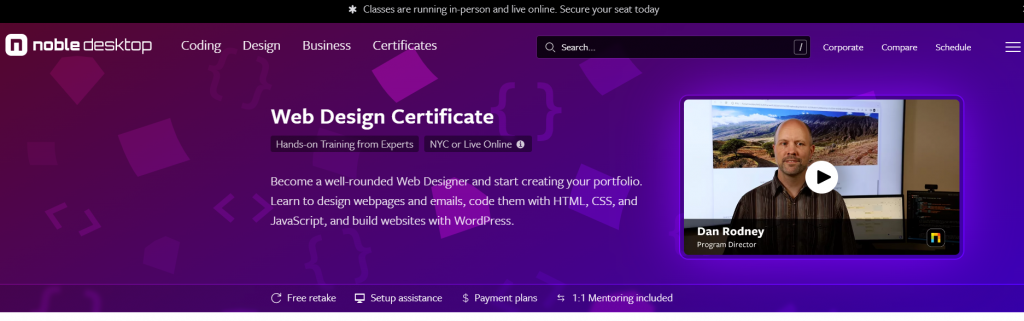
Develop your skills as a versatile web designer and begin building your portfolio. Learn how to create emails and websites, use HTML, CSS, and JavaScript to code them, and use WordPress to create websites.
By completing this certificate program, you will:
- Learn web development with JavaScript to add interaction, CSS for styling, and HTML to mark up content.
- Make responsive websites that can be seen on desktop, tablet, and mobile devices of all sizes.
- Use WordPress, the most widely used CMS (Content Management System), to create websites.
- Create clickable prototypes and designs for website layouts in Figma to show clients, solicit user input, and more.
- Create some design work for your portfolio, then design and develop the website for your portfolio so you can show potential employers or clients your new abilities.
You will receive eight one-on-one mentorship meetings in addition to 162 hours of practical, interactive training, during which you can:
- Have a professional go over your portfolio of work.
- Drill down on challenging ideas.
- Improve your LinkedIn profile and resume.
- Get assistance from professionals when applying for jobs
- Make sure your learning objectives are on track.
The expertise and proficiency acquired by students at Noble Desktop have significantly propelled their careers in various aspects.
Upon completing the web design certificate program, they transitioned from having minimal knowledge about web design to possessing the skills necessary to design and code their own websites independently. Check out the course here.
Web Design and Development Program — George Brown Polytechnic
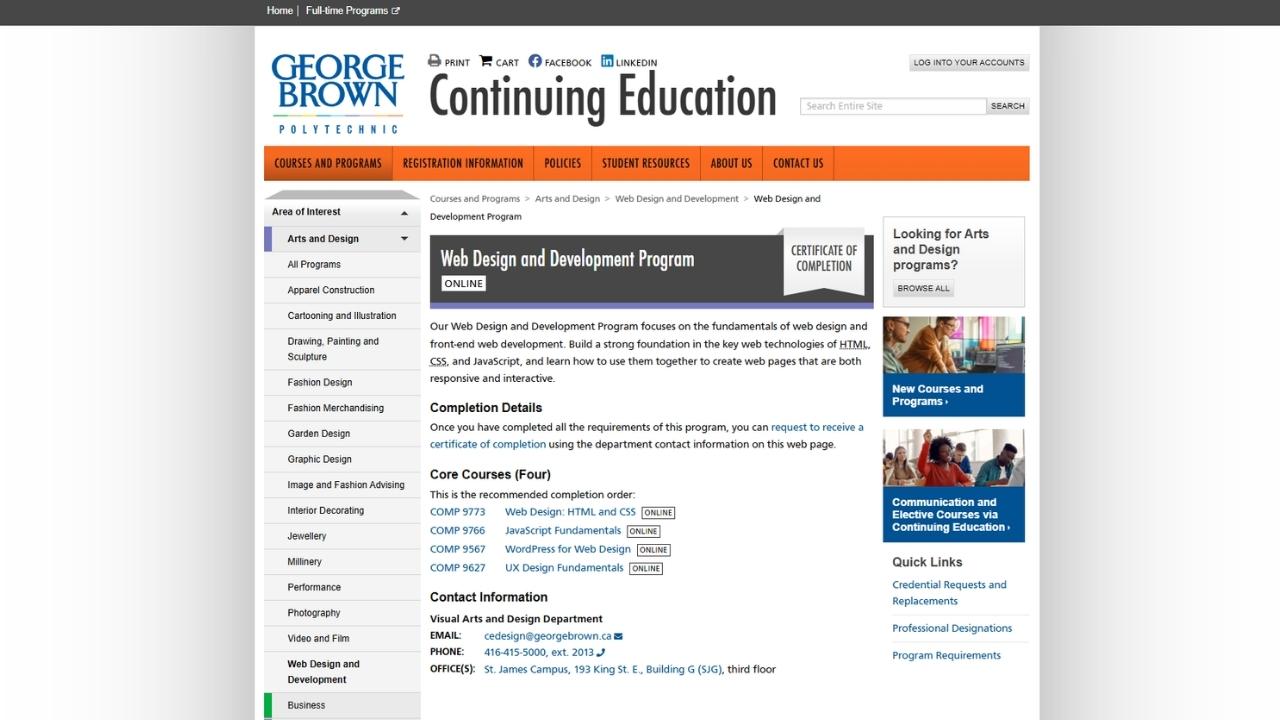
George Brown Polytechnic offers its Web Design and Development Program fully online through Continuing Education.
The program provides a structured introduction to both the visual and technical sides of creating websites. Students learn how to plan, design, code, and maintain responsive web pages using current front-end technologies.
The curriculum covers:
- Web design fundamentals
- HTML
- CSS
- JavaScript
- Responsive website design
- User interface design
- User experience principles
- Web accessibility
- Semantic coding
- Content management systems
- Website testing and troubleshooting
- Preparing websites for different devices
- Creating interactive web content
Students begin with the foundations of web design and front-end development before progressing to more advanced subjects.
The program includes required courses and electives, allowing learners to develop skills that match their interests. Available subjects include WordPress, user interface design, web application development, and Adobe tools.
Because the program is delivered online, it is accessible to students throughout Canada. Graduates who complete the required courses receive a Certificate of Completion from George Brown Polytechnic.
Students may also take individual courses without committing to the complete certificate. For example, the online Web Design: HTML and CSS course consists of 36 hours and currently costs approximately $280 CAD.
Additional Helpful Information for Canadians in 2026
2026 Web Design & UX Salary Snapshot (Canada)
| Role | Entry Level (0–2 years) | Mid-Level (3–5 years) | Senior / Lead / Freelance | Notes |
|---|---|---|---|---|
| Web Designer | $52,000 – $68,000 | $72,000 – $90,000 | $95,000 – $125,000+ | Strong demand for responsive design |
| UX Designer | $58,000 – $75,000 | $82,000 – $105,000 | $115,000 – $145,000+ | Highest growth area |
| UI Designer | $55,000 – $72,000 | $78,000 – $98,000 | $105,000 – $135,000+ | Often combined with UX |
| Front-End Developer (Design-Focused) | $65,000 – $82,000 | $90,000 – $115,000 | $125,000 – $160,000+ | Good pay if you can code |
| Freelance Web Designer | $55,000 – $80,000 | $85,000 – $120,000 | $130,000 – $180,000+ | Highest earning potential |
| Webflow / No-Code Specialist | $60,000 – $78,000 | $85,000 – $110,000 | $120,000 – $155,000+ | Fast-growing niche |
National Average (Mid-Level): $75,000 – $95,000 Highest earning potential: Freelancers and those who combine design + development (especially Webflow or front-end coding skills).
Career Paths After Taking These Courses
| Goal | Recommended Starting Course(s) | Time | Outcome |
|---|---|---|---|
| Get into UX/UI design professionally | Coursera Google UX Design Professional Certificate | 3–6 months | Strong portfolio + Google certificate |
| Learn modern responsive web design | Coursera Responsive Web Design with Adobe XD | 2–4 months | Practical design + prototyping skills |
| Become a freelance web designer | Udemy Complete Web Design (Figma + Webflow) | 3–6 months | Skills to start freelancing |
| Build websites quickly (no-code) | Udemy Webflow-focused courses | 2–4 months | Fast client work capability |
| Get a balanced design + development skill set | George Brown College Web Design & Development Program | 6–12 months | Versatile for agencies or freelance |
| Create a strong professional portfolio | Noble Desktop Web Design Certificate | 4–8 months | Portfolio + mentorship |
High-Demand Web Design Skills in 2026
Employers and clients in Canada are looking for more than just pretty designs. The most valuable skills right now include:
- Responsive & Mobile-First Design (non-negotiable)
- Figma (currently the industry standard design tool)
- Webflow (fastest-growing no-code platform for professional websites)
- Accessibility (WCAG 2.2) — Increasingly required by law and clients
- Basic HTML, CSS & JavaScript (even if using no-code tools)
- User Research & UX Thinking
- Performance Optimization (Core Web Vitals)
- Design Systems & Component-Based Design
- AI-assisted design tools (Figma AI, Adobe Firefly, etc.)
Quick 2026 Decision Guide
| Your Goal | Recommended Course(s) |
|---|---|
| Want the most recognized professional certificate | Coursera – Google UX Design Professional Certificate |
| Want focused training in responsive design & Adobe XD | Coursera – Responsive Web Design with Adobe XD |
| Want to start freelancing quickly | Udemy – Complete Web Design (Figma to Webflow) |
| Want a strong Canadian college credential | George Brown College – Web Design and Development |
| Want mentorship + portfolio building | Noble Desktop – Web Design Certificate |
| Want to become a well-rounded designer + developer | George Brown College program or combine Udemy + coding courses |
| Want the most affordable option to start | Any of the Udemy courses |
Practical Tips for Success in 2026
- Build a strong portfolio — This is more important than any certificate in web design. Employers and clients want to see real projects.
- Learn Figma — It has become the dominant design tool in Canada and globally. Most courses now use it.
- Consider learning Webflow — Many freelancers and small agencies are moving to Webflow because it allows beautiful, responsive websites without heavy coding.
- Accessibility matters — More Canadian organizations are now requiring WCAG-compliant websites.
- Combine design + basic development — Designers who can also code (or at least understand code) are much more employable and can charge higher freelance rates.
- Stay updated with AI tools — AI is changing how designers work. Learning to use AI tools effectively is becoming a competitive advantage.
Funding Options
- Canada Training Credit — Up to $250 per year tax credit.
- Employer sponsorship — Many digital agencies and marketing companies will pay for web design or UX training.
- Provincial workforce grants — Some provinces offer funding for digital skills training.
- Second Career (Ontario) — May fully fund eligible career changers entering web design or digital fields.
Conclusion
Enrolling in an online web design course enables you to gain the knowledge and expertise necessary to create visually stunning and impactful websites, empowering you to become proficient in this field.
An online web design course provides various benefits, including flexibility, a well-rounded curriculum, industry-relevant skills, and avenues for professional advancement.
We recommend starting with Coursera’s Google UX Design Professional Certificate for its strong industry recognition and practical projects, followed by Coursera’s Responsive Web Design with Adobe XD if you want focused training in modern responsive design tools.
For those seeking a balanced Canadian college program that combines design and development, George Brown College’s Web Design and Development Program is an excellent choice. If you possess a passion for design and aspire to make a significant impact in the digital world, opting for an online web design course might be an ideal decision for you.